What is Amazon Multi-Channel Fulfillment?
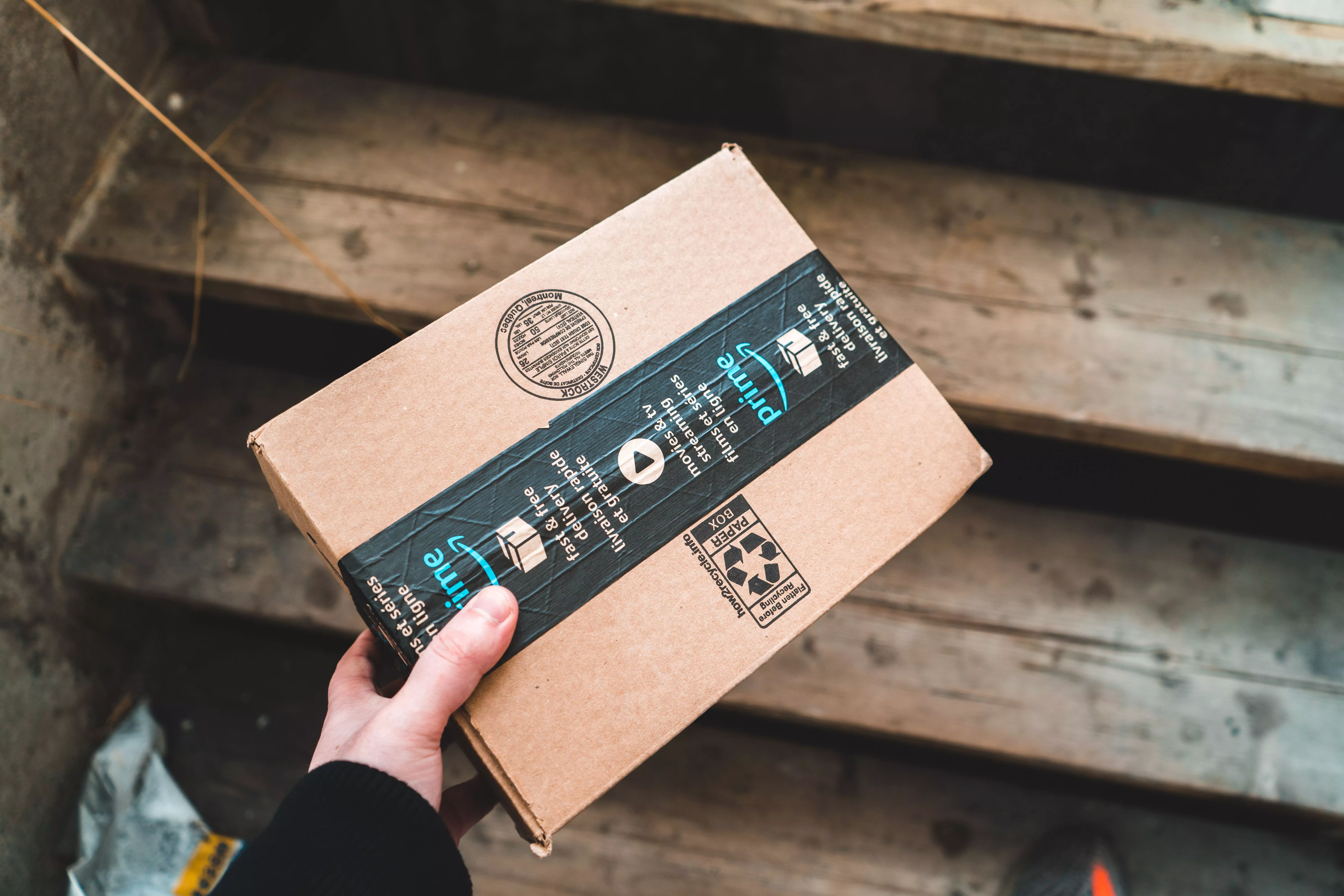
Amazon Multi-Channel Fulfillment is a 3PL service from Amazon. You store products in Amazon's fulfillment centers (the same ones FBA uses), and Amazon ships those products to customers who buy from you on Shopify, WooCommerce, eBay, TikTok Shop, your own site, or any other channel you sell on. One inventory pool, many sales channels.
The service runs under the Amazon Supply Chain Services umbrella, and it works whether you also sell on Amazon or not.
If your Amazon shipping costs already feel high and you want a way to keep your direct-to-consumer orders moving fast without a second 3PL, Easyship's Amazon Buy Shipping integration gives FBM and Seller Fulfilled Prime sellers a different way to print labels with Amazon's negotiated rates and account health protection built in. More on that lower down. For now, let's keep going on MCF.
How does Multi-Channel Fulfillment Work in Practice?
The flow is simple once you set it up. You ship inventory into Amazon's network. Each unit gets a Seller SKU. When a customer on a connected sales channel places an order, that order syncs to Amazon. Amazon picks the unit, packs it (in plain unbranded boxes by default), prints the label, and hands it to a carrier. Tracking pushes back to your store.
Think of an example. A skincare brand sells the same moisturizer on Amazon, on its Shopify store, and on TikTok Shop. The brand sends 1,000 units to Amazon FBA. Sales come in across all three. Each order, no matter the channel, ships out from the same Amazon fulfillment center. The brand never touches a box.
Amazon offers three delivery speed tiers for MCF:
- Standard: 3 business days
- Expedited: 2 business days
You pick the speed at order level, or set a default per channel.
What does Amazon Multi-Channel Fulfillment cost in 2026?
This is where most sellers get stuck. MCF fees are based on size tier, weight, units per order, and delivery speed. Amazon raised MCF rates on January 15, 2026.
Here is what changed:
- Most single-unit orders went up between $0.35 and $0.41 per unit, which is 4 to 5 times the FBA base increase of $0.08.
- 3+ unit standard orders received no MCF increase.
- A 3.5% fuel and logistics surcharge applies to MCF fees starting May 2, 2026.
- Additionally, holiday peak fulfillment fees will apply from October 15, 2026, to January 14, 2027, for MCF. On average, the rate cards for holiday peak fulfillment fees will have the same per unit increase over non-peak rates as last year.
For exact rates by size tier, Amazon's official pricing page is the source of truth.
Which Products are Eligible for MCF?
Most products that qualify for FBA also qualify for MCF, but a few categories are restricted. Per Amazon's documentation, the following are not eligible or have heavy restrictions:
- Adult products
- Subscription items
- Toys and games (subject to Amazon review)
- Hazmat and regulated goods (varies by carrier and destination)
- Items larger than 56 inches or heavier than 49.9 lb (cannot ship in unbranded packaging)
- Apparel and footwear (cannot ship in unbranded packaging)
Always check Amazon's restricted product policies before sending stock in. A regulated category that gets blocked at the fulfillment center is a delay you don't want.
How Do You Set up Amazon MCF for Shopify, WooCommerce, and Other Stores?
Amazon publishes a free official Shopify app and a WooCommerce extension. Here is the quick version of each.
Shopify (using Amazon's official MCF app):
- Install the Multichannel Fulfillment app for Shopify from the Shopify App Store.
- Log in through the app to your Amazon Seller account to connect your Shopify store.
- Sync your existing FBA inventory or send Amazon new products. The app auto-maps SKUs that match between Amazon and Shopify.
- Pick which Amazon ship speeds (Standard, Expedited, Priority) you want available for Shopify orders.
- Inventory levels then push from Amazon to Shopify automatically.
If your inventory ever falls out of sync, switch the Shopify "Inventory located at" value to a non-Amazon location, save, then switch it back to Amazon Fulfillment and save again. That triggers a fresh sync within 5 to 10 seconds.
WooCommerce:
You have two options: Amazon's official WooCommerce extension or a third-party connector like M2E Cloud. The WooCommerce setup is similar in structure (install plugin, connect Amazon Seller account, map SKUs), with one important rule: each WooCommerce SKU must match the Seller SKU in your MCF inventory exactly, including case sensitivity.
Other channels:
Amazon now has 100+ prebuilt integrations for MCF. eBay, BigCommerce, Wix, Squarespace, and Walmart are all supported. The MCF app for Walmart requires unbranded packaging and the blocking of Amazon Logistics as a carrier.
What is the Purpose of Using Amazon MCF Over a Regular 3PL?
If you already sell on Amazon, MCF gives you four practical wins:
- One inventory pool. Stop splitting stock between two warehouses to cover Amazon and your Shopify store.
- Amazon-speed delivery. 2-day shipping helps you compete on conversion for off-Amazon channels.
- Predictable per-order pricing. No long-term contract, no setup fee, picking and packing rolled into the rate.
- MCF fast badges. Display delivery date estimates on your product pages and ads, which Amazon says lifts conversion.
Sellers using MCF + FBA together send 2.9x more inventory to Amazon and see a 12% improvement in inventory turnover.
That said, MCF is not the right fit for every product or every business. If you sell apparel, footwear, large bulky items, or items that don't qualify for unbranded packaging, you'll want to look at a dedicated 3PL or a hybrid setup.
What are the Benefits of Using Amazon MCF for an SMB Seller?
Sellers shipping 100 to 2,500 orders a month tend to feel four pain points: stockout risk, high shipping costs, manual fulfillment work, and slow delivery. MCF removes most of the operational lift. You don't run a warehouse. You don't print labels. You don't negotiate with carriers.
You also stop juggling carrier accounts, since MCF includes Amazon's negotiated rates and Amazon Shipping as a carrier option (where eligible). For a brand on Shopify or WooCommerce that already runs FBA, MCF is the closest thing to "set and forget" fulfillment for direct-to-consumer orders.
The downside? You give up Amazon-branded boxes (unbranded is the default for off-Amazon orders), and your costs are tied to Amazon's pricing decisions. Which is exactly why some sellers run a hybrid setup, with MCF for some channels and a separate 3PL or self-fulfilled shipping for others.
Where Does Easyship Fit When You Ship Outside Amazon's Network?
Some products won't go through MCF. Some sellers want to keep a direct relationship with carriers. Some want Amazon Buy Shipping benefits without using FBA. This is where Easyship becomes useful for the part of your business that sits outside MCF.
Two things stand out for Amazon sellers in particular:
Amazon Buy Shipping inside Easyship. Easyship's Amazon Buy Shipping integration lets FBM and Seller Fulfilled Prime sellers buy labels at Amazon's pre-negotiated rates from USPS, UPS, FedEx, and Amazon Shipping, all from the Easyship dashboard. The dashboard automatically flags which services are most likely to hit the on-time delivery promise shown in Seller Central. Using Amazon Buy Shipping protects key Amazon performance metrics, including On-Time Delivery Rate (OTDR), Order Defect Rate (ODR), and Valid Tracking Rate (VTR). Account health stays clean. Labels get cheaper.
Multi-carrier coverage for non-Amazon channels. Easyship compares 550+ courier services in real time, with discounts up to 91% off retail rates and up to $10,000 in shipment coverage included. For Shopify, WooCommerce, eBay, TikTok Shop, and 60+ other integrations, it's an alternative to MCF when you want a carrier choice instead of one provider. Real-time rates at checkout also help convert price-sensitive buyers.
Many SMB sellers run a mix. MCF for eligible off-Amazon orders, Easyship with Amazon Buy Shipping for FBM Amazon orders, and Easyship's multi-carrier rates for everything else, including B2B, oversized items, international, and returns. That way, one platform covers every label Amazon doesn't handle
Sign Up for Free Today!
FAQs
What's the difference between FBA and MCF?
FBA fulfills orders placed on Amazon. MCF uses the same Amazon inventory and fulfillment network, but ships orders that come from non-Amazon channels (Shopify, WooCommerce, eBay, your own site, etc.). Most sellers who run FBA can switch on MCF without moving inventory.
Do MCF orders ship with Amazon branding?
No. As of late 2022, unbranded packaging is the default for all off-Amazon MCF orders. The packing slip, shipping labels, boxes, tape, jiffy mailers, and polybags carry no Amazon branding. Items larger than 56 inches, heavier than 49.9 lb, apparel, and footwear are not eligible for unbranded packaging.
Which platforms integrate directly with MCF?
Shopify, WooCommerce, BigCommerce, Wix, Squarespace, eBay, Walmart, Etsy, and TikTok Shop all have prebuilt or partner integrations. Amazon now lists 100+ MCF connectors on its integrations page.
Can I use MCF for Walmart orders?
Yes, since May 2025. Walmart now permits MCF for fulfillment provided you use unbranded packaging, block Amazon Logistics as a carrier, and meet specified shipping windows. The 5% Walmart surcharge has been waived through 2027.
How long does MCF setup take?
If you already have FBA inventory, you can connect a Shopify or WooCommerce store and start fulfilling orders the same day. New sellers without FBA inventory need to ship inventory in first, which adds 2 to 3 weeks for receiving and check-in.
Is MCF cheaper than running my own warehouse?
For most SMB sellers shipping under 2,500 orders/month, yes. For sellers with specialty SKUs, oversized items, or complex kitting needs, a dedicated 3PL is often more cost-effective. Run the math against your specific SKU profile before committing.
What's the catch with MCF Preferred Pricing?
The 15% discount and $1/unit FBA credit cap out at either 100,000 MCF units shipped or 12 months from enrollment, whichever comes first. After that you go back to standard rates. Build that into your forecast.
.svg)
.svg)




.svg)


.svg)
.svg)
.svg)

.svg)
.svg)